 Guilda Work
Documents to sign from the client file
Open in Guilda WorkEngagement letter, SEPA mandate, AEAT representation authorisation and consents, signed with Documenso.
Updated on
From the client file, Documents tab, Documents to sign section, you generate ready-made documents with the client's and the firm's details and send them to be signed with Documenso.
Available documents
- Professional engagement letter
- SEPA direct debit mandate (asks for the IBAN, which is validated)
- Authorisation to represent before the AEAT
- GDPR consent
- Marketing consent (once signed, it records the client as consenting in Marketing)
How it works
- Choose the document and fill in the missing details (values that repeat, such as the place, are remembered for next time).
- A draft with its PDF is created: review it.
- Press Send for signing: the client receives the Documenso email.
- When they sign, the signed PDF is saved in their documents and you get a notice. If you like, Check whether it is signed asks at once.
Reminding those who haven't signed
On a pending document, Send a signing reminder resends the notice only to those who haven't signed (up to 3 times). In Documents to sign management can set an automatic reminder after N unsigned days (0 = off).
Pending signatures
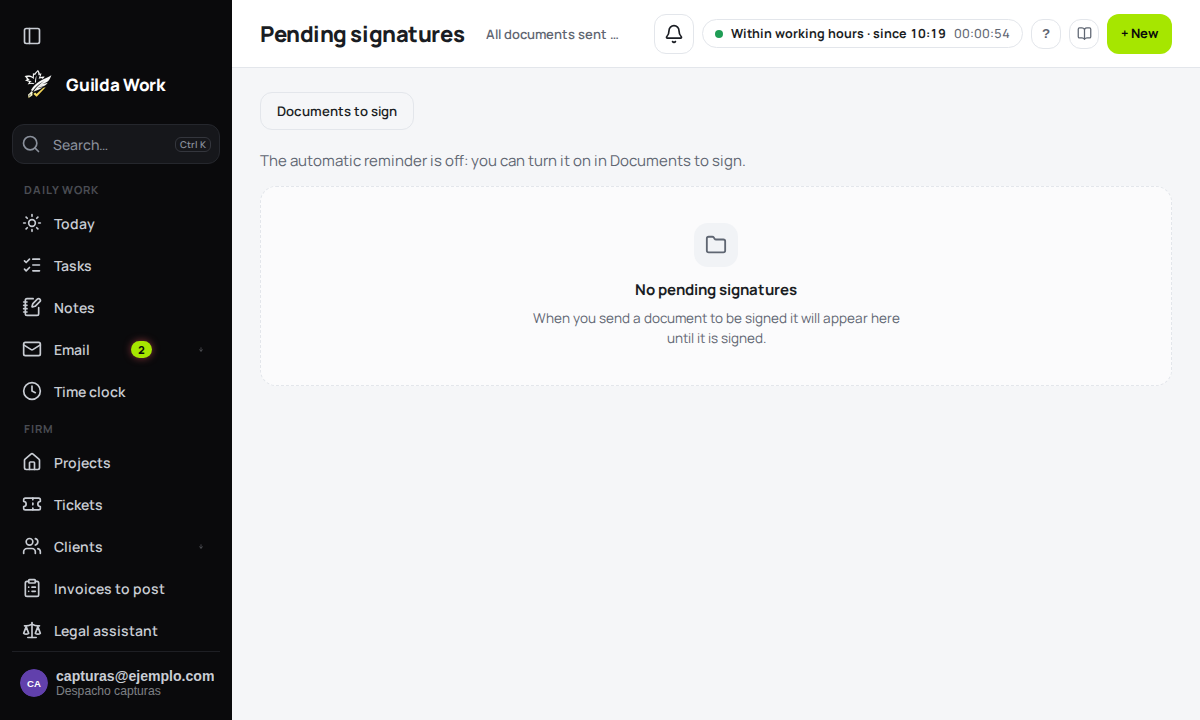
In Pending signatures (from Documents to sign) you see at a glance every sent document that is still unsigned, oldest first, with the days waiting and the reminders already sent. Each row has its Send a signing reminder button.
Management
Can replace the default texts with the firm's own. The default texts are a starting point: review them with professional judgement before using them.
Related guides
Tax control: alerts, transfers and offices
What needs action, handing clients between people and sharing permissions.
Bulk changes: propose, confirm and undo
Change several opportunities or due dates at once, with a preview and a way back.
Digital certificates
Who has which certificate, when it expires and who renews it.